 Sunrise Good Morning GIF Templates
Free online GIF maker
Good Morning Coffee GIF Template
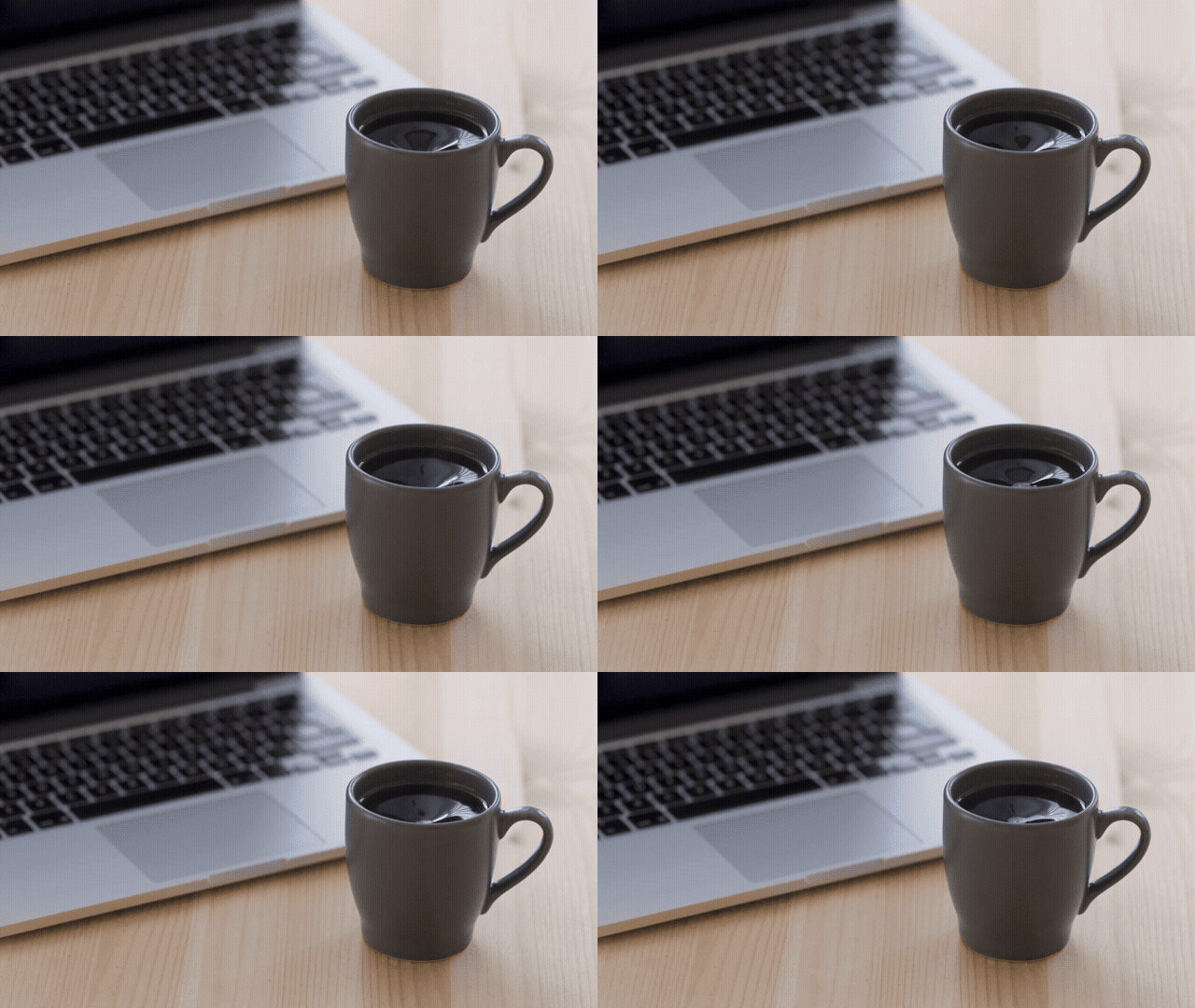
Selected template
Good Morning GIF Template 38057
Editor
Edit text and preview
Text styleExpand to edit font size, color, and position.
Recipient name
Morning message
Generate
More Good Morning GIF Maker Templates
Published templates
Choose an editable GIF template
Sunrise Good Morning GIF Templates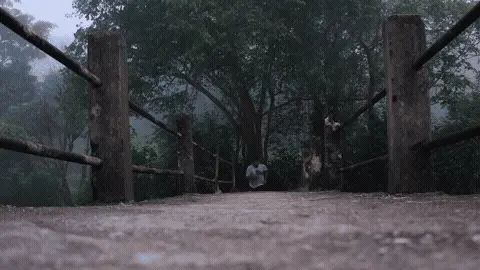 Nature Good Morning GIF Templates
 Sunrise Good Morning GIF Templates
 Sunrise Good Morning GIF Templates
 Sunrise Good Morning GIF Templates
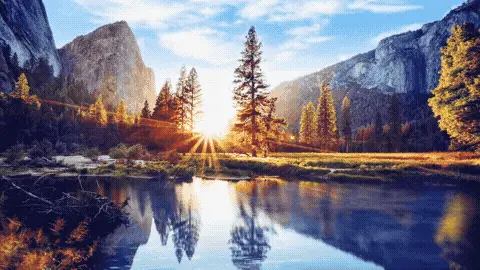 Sunrise Good Morning GIF Templates
 Sunrise Good Morning GIF Templates
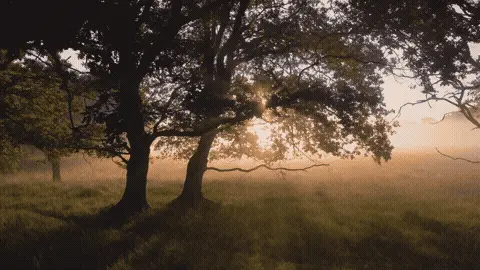 Sunrise Good Morning GIF Templates
About this template
This good morning gif template has a warm, cozy feel built around familiar everyday visuals — coffee, a laptop, and a home setting. The animation leans into that slow, comfortable morning energy with soft tones that feel relaxed rather than flashy. It's the kind of clip that reads instantly as "start of the day" without being overly cheerful or loud about it.
People reach for this one most often when texting a coworker before a Monday meeting — drop it in Slack or Teams to break the ice before a 9am call. It also works well on WhatsApp group chats with friends who work from home, since the laptop detail hits close to home for that crowd. Facebook messenger works too, especially for checking in on a family member who's recently started a new job or remote work routine. It's a low-pressure way to open a conversation without needing to say much.
Keep any text you add short — two to five words max. The visual is already doing the storytelling, so a simple "Morning!" or a first name is enough. Place text near the top or bottom edge so it doesn't cover the central action in the animation. Timing matters too: send this between 7am and 9am for maximum relevance. A good morning message sent at noon loses its punch entirely.
FAQ
Common questions
Can I make a good morning GIF with my own message?
Yes. Choose a template or upload a GIF, then edit the morning message and optional recipient name.
What good morning GIF style is best?
Coffee is casual, sunrise is optimistic, flowers feel warm, and nature works well for group chats.
Can I send the GIF on WhatsApp?
Yes. Compress the final file if it is too large for quick mobile sharing.
Can I add a name to a good morning GIF?
Yes. The editor includes an optional recipient name field.
Should my morning message be long?
Short messages are easier to read on animated GIFs and small phone screens.
Can I upload my own morning GIF?
Yes. You can upload a GIF and add a greeting over the preview.
Does the tool work on mobile?
The page is responsive and designed for mobile editing, though large GIF compression works better on desktop.
How do I make a good morning GIF smaller?
Use a smaller width, lower FPS, and compress the output before sharing.
Can I reuse a message every day?
Yes. The default messages are short so you can quickly edit and reuse them.
Are files uploaded to the server?
The basic editing and compression flow runs in the browser.
Free tools
More ways to make a GIF
Happy Birthday GIF MakerCreate a birthday GIF with name, age, message, and compression options.Good Morning GIF MakerMake a good morning GIF with a name, greeting, template, and download flow.Funny GIF MakerAdd captions, top text, or bottom text to create a shareable funny GIF.GIF Size CheckerCheck GIF file size, dimensions, frame count, duration, and FPS.GIF ResizerResize animated GIF width in your browser before sharing.GIF FPS ReducerLower GIF frame rate to make animated GIFs smaller.GIF to WebPConvert animated GIF files to WebP for smaller web animations.GIF to MP4Convert GIF animations to MP4 video for better compression.