 Balloon Birthday GIF Templates
Free online GIF maker
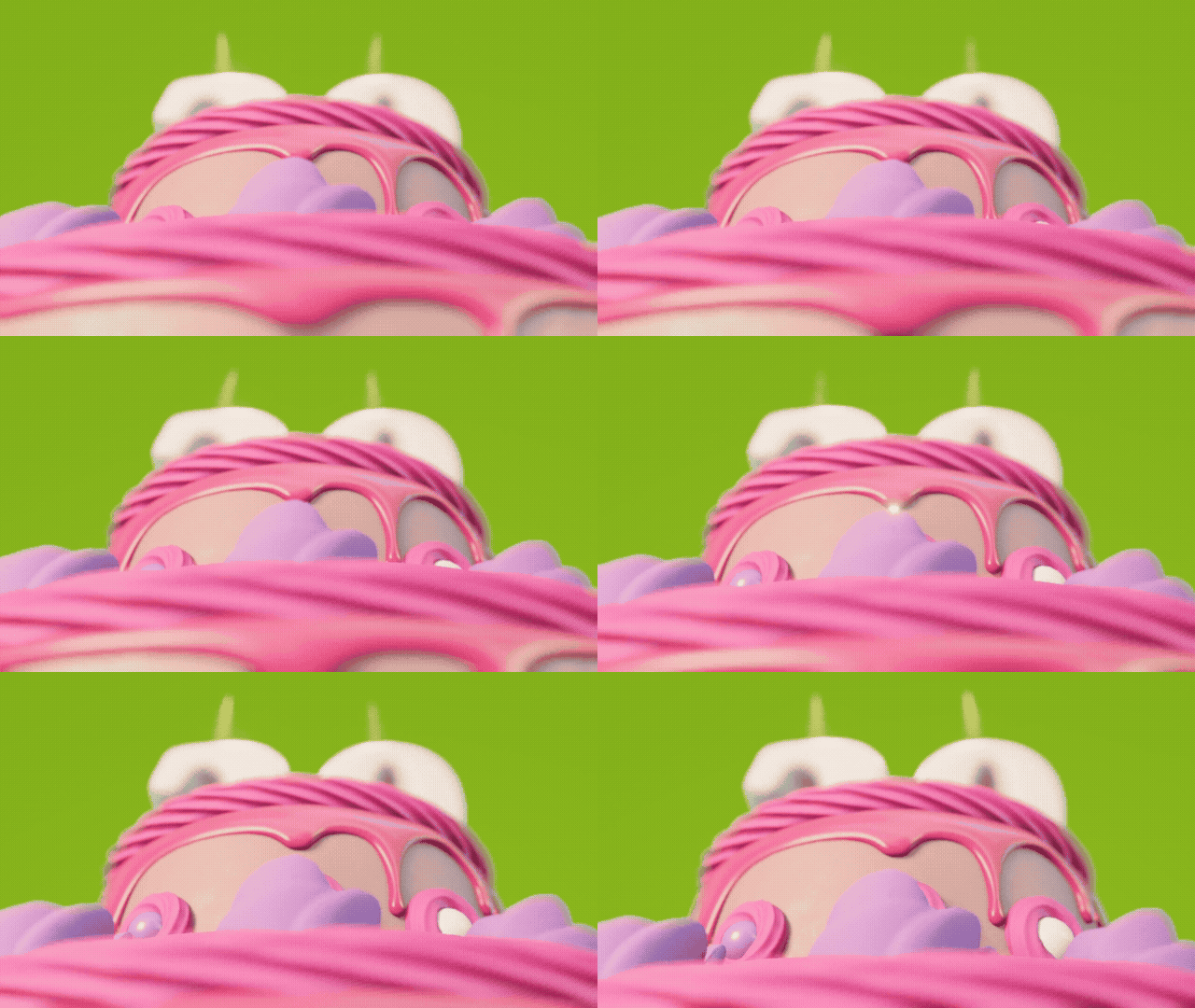
Birthday Cake Candles GIF Template
Selected template
Happy Birthday GIF Template 89245
Editor
Edit text and preview
Text styleExpand to edit font size, color, and position.
Name
Age
Birthday message
Generate
More Happy Birthday GIF Maker Templates
Published templates
Choose an editable GIF template
Balloon Birthday GIF Templates Confetti Birthday GIF Templates
 Confetti Birthday GIF Templates
 Birthday Cake GIF Templates
 Balloon Birthday GIF Templates
 Balloon Birthday GIF Templates
 Balloon Birthday GIF Templates
 Birthday Cake GIF Templates
About this template
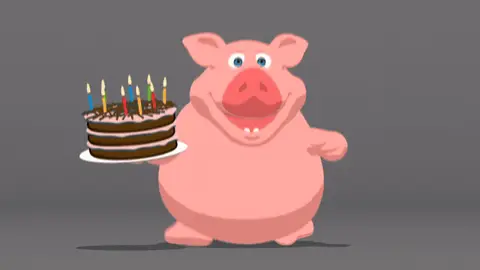
This happy birthday GIF template brings a warm, celebratory feel with its cake and candles animation. The visuals lean into classic birthday imagery — glowing candlelight, festive colors, and a cheerful energy that reads instantly across any screen. The animation moves at a comfortable pace, making it easy to watch without feeling overwhelming or chaotic.
You'd reach for this template when texting a coworker on their birthday through Slack or Teams and a plain message just feels too flat. It also works well on Facebook when posting on a friend's timeline, especially for someone who appreciates a traditional birthday vibe over something edgy or sarcastic. On WhatsApp, it lands well for family group chats — grandparents, siblings, cousins — where a cake-and-candles GIF signals genuine warmth. For iMessage, it's a solid pick when wishing a close friend who you know checks their phone first thing in the morning.
Keep any added text short — a name and a single line works better than a full sentence. Something like "Happy Birthday, Maria!" sits cleanly over most frames without crowding the animation. If the template allows text placement, aim for the top or bottom third so the cake stays visible. Send it early in the day when people are more likely to see it before their notifications pile up. Avoid adding too many emojis alongside the GIF — it can dilute the impact of the animation itself.
FAQ
Common questions
Can I make a happy birthday GIF with a name?
Yes. Choose a birthday template or upload your own GIF, then add a name, optional age, and birthday message in the editor.
Can I add age to the birthday GIF?
Yes. The birthday page includes an optional age field designed for short numbers.
Is the birthday GIF processed in my browser?
The upload, preview, and compression workflow is browser-based. Files are not uploaded for the basic editor experience.
What size is best for WhatsApp birthday GIFs?
A 480px-wide GIF with lower FPS is usually easier to share than a full-size original.
Can I upload my own birthday GIF?
Yes. You can upload a GIF and add custom text over the preview before downloading or compressing.
Do I need design software?
No. The page is built as a browser tool for choosing a template, editing text, and preparing a shareable GIF.
Can I use the same GIF for friends and coworkers?
Yes, but it is better to adjust the message and style for each recipient.
Why is my birthday GIF still large?
Confetti, candles, high resolution, and many frames can increase size. Resize and reduce FPS before downloading.
Can I make a funny happy birthday GIF?
Yes. Use a funny birthday template and keep the message short so the joke remains readable.
Can I compress the birthday GIF after editing?
Yes. The page links back to the full GIF compressor for more compression controls.
Free tools
More ways to make a GIF
Happy Birthday GIF MakerCreate a birthday GIF with name, age, message, and compression options.Good Morning GIF MakerMake a good morning GIF with a name, greeting, template, and download flow.Funny GIF MakerAdd captions, top text, or bottom text to create a shareable funny GIF.GIF Size CheckerCheck GIF file size, dimensions, frame count, duration, and FPS.GIF ResizerResize animated GIF width in your browser before sharing.GIF FPS ReducerLower GIF frame rate to make animated GIFs smaller.GIF to WebPConvert animated GIF files to WebP for smaller web animations.GIF to MP4Convert GIF animations to MP4 video for better compression.