 Funny Reaction GIF Templates
Free online GIF maker
Funny Animation Reaction GIF Template
Selected template
Funny GIFs Animation Template 4432456
Editor
Edit text and preview
Text styleExpand to edit font size, color, and position.
Caption
Generate
More Funny GIF Maker Templates
Published templates
Choose an editable GIF template
Funny Reaction GIF Templates Funny Reaction GIF Templates
 Funny Reaction GIF Templates
 Funny Reaction GIF Templates
 Funny Reaction GIF Templates
 Funny Reaction GIF Templates
 Funny Reaction GIF Templates
 Funny Reaction GIF Templates
About this template
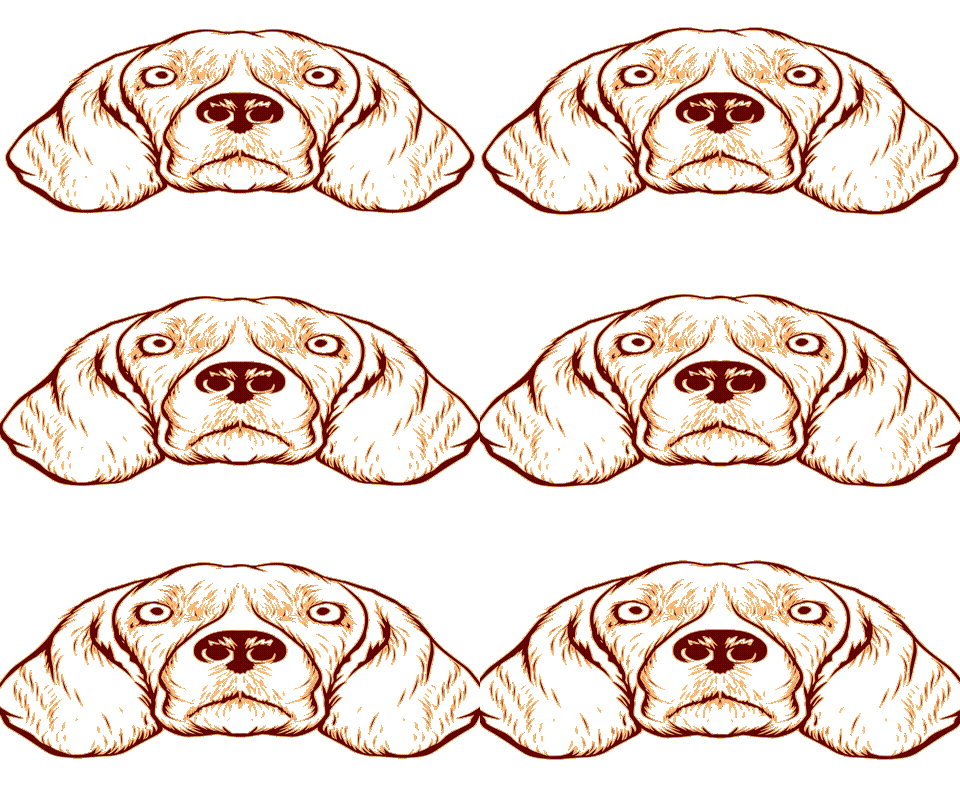
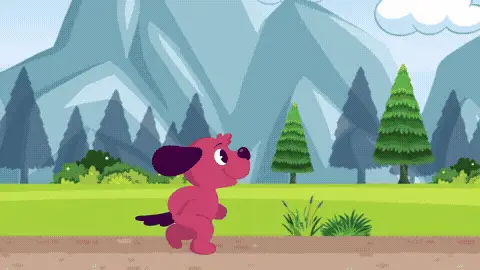
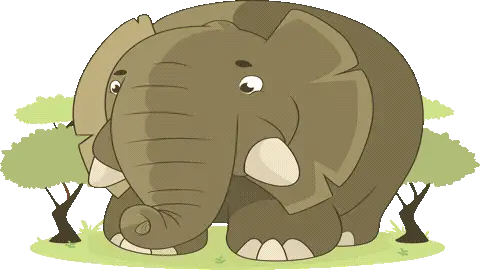
Funny GIFs like this one lean into the natural charm of animals doing unexpected things, and this template is no exception. The animation captures a dog or animal in a candid, nature-inspired moment that feels spontaneous rather than staged. The color palette tends toward warm, earthy tones with enough motion to catch the eye mid-scroll. The overall mood is lighthearted and a little goofy — the kind of thing that makes you smile before you even read a caption.
This template works well in a few specific situations. Send it on a group WhatsApp chat when a friend posts something that deserves a reaction but words feel like too much effort. It fits naturally into Facebook comment threads when someone shares a relatable story about their pet or a rough morning. Dog lovers and animal enthusiasts are the obvious audience, but the broad humor makes it usable for coworkers in a Slack channel or family members in an iMessage thread who appreciate low-key comedy. It also lands well as a birthday reaction gif when the recipient has a sense of humor and you want something more original than a cake emoji.
Keep any text you add short — two to five words max. The animation itself carries the joke, so a long caption will compete with the visual and kill the timing. Place text at the top or bottom edge so it doesn't cover the animal's face, which is usually where the funniest moment happens. Send it right after the punchline lands in a conversation for maximum effect.
FAQ
Common questions
Can I add a caption to a GIF?
Yes. Funny GIF Maker includes Caption Mode for a single caption and Meme Mode for top and bottom text.
What is Meme Mode?
Meme Mode lets you add top text and bottom text in a classic meme-style layout.
Can I upload my own funny GIF?
Yes. You can upload a GIF and add captions over the preview.
Why avoid celebrity or movie GIF templates?
They can create copyright, likeness, and context risks. This page focuses on safer abstract, emoji, and text-based templates.
What font works best for meme GIFs?
Impact-style text with a dark stroke is usually easiest to read.
Can I make a reaction GIF?
Yes. Choose a reaction-style template and write a short caption that fits the chat moment.
How do I keep the joke readable?
Use fewer words, strong contrast, and avoid placing text over the busiest part of the animation.
Can I compress a funny GIF?
Yes. Compress after adding text so the caption stays part of the final file.
Can I use it without software?
Yes. The editor runs in the browser.
Is the page a GIF gallery?
No. It is a GIF maker focused on editing, captions, compression, and download.
Free tools
More ways to make a GIF
Happy Birthday GIF MakerCreate a birthday GIF with name, age, message, and compression options.Good Morning GIF MakerMake a good morning GIF with a name, greeting, template, and download flow.Funny GIF MakerAdd captions, top text, or bottom text to create a shareable funny GIF.GIF Size CheckerCheck GIF file size, dimensions, frame count, duration, and FPS.GIF ResizerResize animated GIF width in your browser before sharing.GIF FPS ReducerLower GIF frame rate to make animated GIFs smaller.GIF to WebPConvert animated GIF files to WebP for smaller web animations.GIF to MP4Convert GIF animations to MP4 video for better compression.