 Funny Reaction GIF Templates
Free online GIF maker
Funny Men Reaction GIF Template
Selected template
Funny GIFs Template 146798
Editor
Edit text and preview
Text styleExpand to edit font size, color, and position.
Caption
Generate
More Funny GIF Maker Templates
Published templates
Choose an editable GIF template
Funny Reaction GIF Templates Funny Reaction GIF Templates
 Funny Reaction GIF Templates
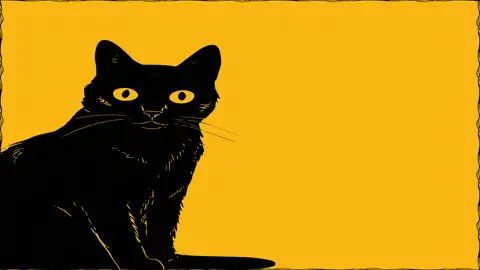 Funny Reaction GIF Templates
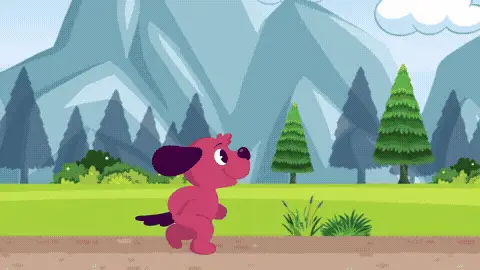 Funny Reaction GIF Templates
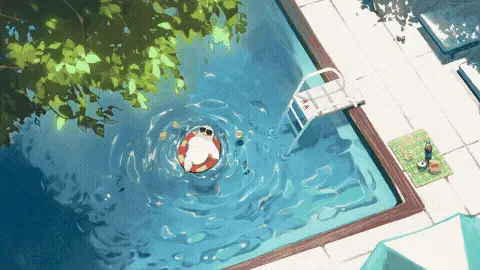 Funny Reaction GIF Templates
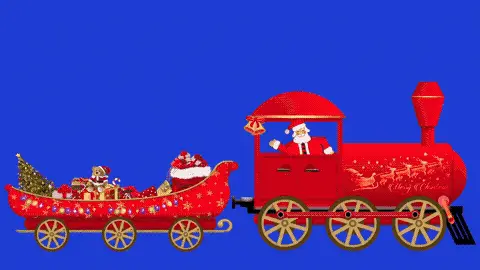 Funny Reaction GIF Templates
 Funny Reaction GIF Templates
About this template
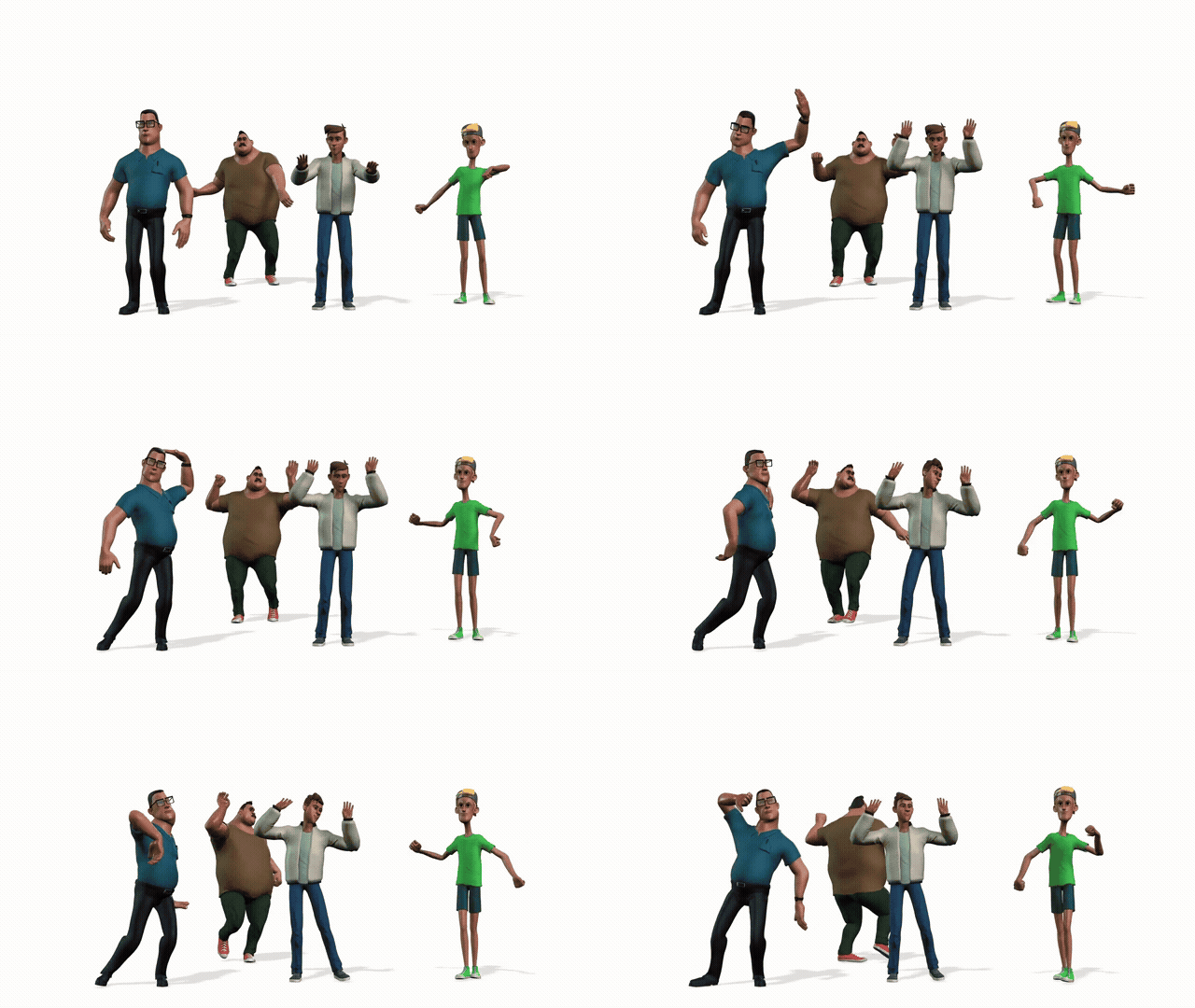
Funny GIFs like this one pack a lot of energy into a short loop — this template features men dancing with a loose, carefree vibe that feels spontaneous rather than choreographed. The color palette tends toward warm, saturated tones that pop on small screens, and the movement has that slightly chaotic charm that makes people watch it twice before sending it along.
This template fits a handful of specific moments really well. Send it on WhatsApp when a friend finally gets good news after a long wait — the dancing energy says "let's celebrate" without typing a word. It works on Facebook comment sections when someone posts about a win at work or finishing a project. Drop it in iMessage to kick off a group chat that's gone quiet, or use it on Twitter/X as a reply to anything that calls for a group-hype moment. It also lands well when texting coworkers after a Friday afternoon that felt like it would never end.
Keep any text you add short — one line max, since the motion in the background competes for attention. If you're adding a caption, place it at the top or bottom rather than center so the dancing figures stay visible. Timing matters too: send this one immediately after the good news hits, not hours later when the moment has cooled. A delayed reaction GIF loses about half its punch, so keep it queued up and ready.
FAQ
Common questions
Can I add a caption to a GIF?
Yes. Funny GIF Maker includes Caption Mode for a single caption and Meme Mode for top and bottom text.
What is Meme Mode?
Meme Mode lets you add top text and bottom text in a classic meme-style layout.
Can I upload my own funny GIF?
Yes. You can upload a GIF and add captions over the preview.
Why avoid celebrity or movie GIF templates?
They can create copyright, likeness, and context risks. This page focuses on safer abstract, emoji, and text-based templates.
What font works best for meme GIFs?
Impact-style text with a dark stroke is usually easiest to read.
Can I make a reaction GIF?
Yes. Choose a reaction-style template and write a short caption that fits the chat moment.
How do I keep the joke readable?
Use fewer words, strong contrast, and avoid placing text over the busiest part of the animation.
Can I compress a funny GIF?
Yes. Compress after adding text so the caption stays part of the final file.
Can I use it without software?
Yes. The editor runs in the browser.
Is the page a GIF gallery?
No. It is a GIF maker focused on editing, captions, compression, and download.
Free tools
More ways to make a GIF
Happy Birthday GIF MakerCreate a birthday GIF with name, age, message, and compression options.Good Morning GIF MakerMake a good morning GIF with a name, greeting, template, and download flow.Funny GIF MakerAdd captions, top text, or bottom text to create a shareable funny GIF.GIF Size CheckerCheck GIF file size, dimensions, frame count, duration, and FPS.GIF ResizerResize animated GIF width in your browser before sharing.GIF FPS ReducerLower GIF frame rate to make animated GIFs smaller.GIF to WebPConvert animated GIF files to WebP for smaller web animations.GIF to MP4Convert GIF animations to MP4 video for better compression.