 Funny Reaction GIF Templates
Free online GIF maker
Funny Koala Reaction GIF Template
Selected template
Funny GIFs Template 314551
Editor
Edit text and preview
Text styleExpand to edit font size, color, and position.
Caption
Generate
More Funny GIF Maker Templates
Published templates
Choose an editable GIF template
Funny Reaction GIF Templates Funny Reaction GIF Templates
 Funny Reaction GIF Templates
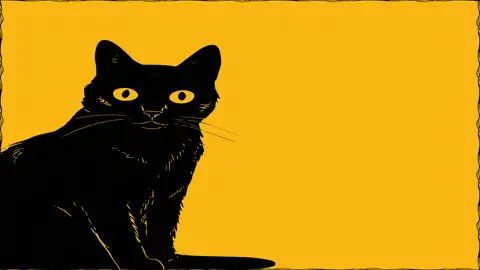 Funny Reaction GIF Templates
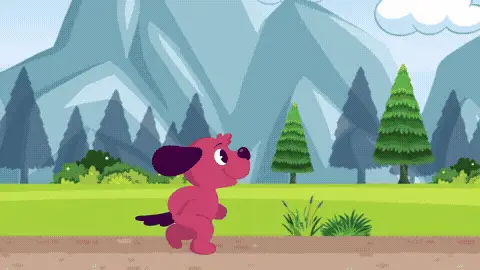 Funny Reaction GIF Templates
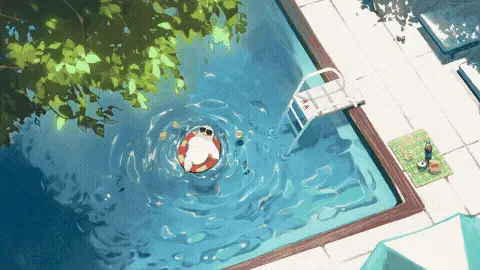 Funny Reaction GIF Templates
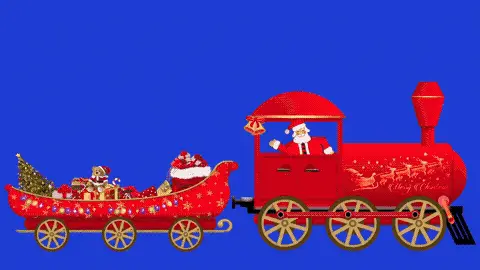 Funny Reaction GIF Templates
 Funny Reaction GIF Templates
About this template
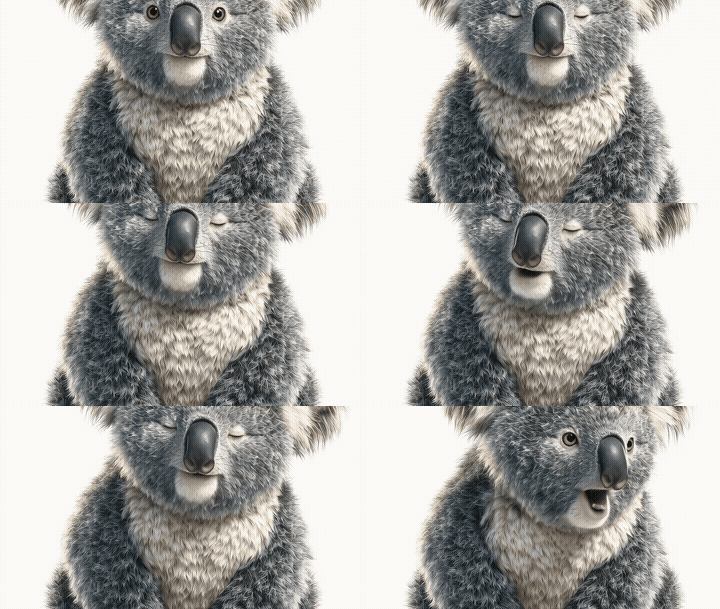
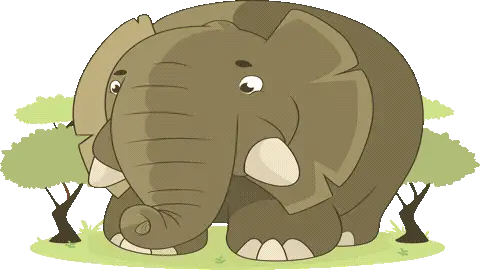
Funny GIFs featuring animals always hit differently, and this koala template is no exception. The animation has a soft, warm tone with natural earthy colors that give it a cute and laid-back vibe. The koala's slow, relaxed movement adds to the comedic effect — it reads as effortlessly unbothered, which is exactly the kind of energy that makes reaction GIFs work so well in casual conversation.
This template works great when you need a low-key funny reaction that doesn't feel forced. Send it on WhatsApp when a coworker says something ridiculous in the group chat and you want to respond without words. It also fits perfectly on Facebook comment threads when someone posts an overly dramatic status update. Friends who are into cute animals will get an extra kick out of it on iMessage, and it's a solid pick for replying to Twitter or Instagram posts where someone is clearly overthinking something simple.
To get the most out of this template, keep any added text short — one line max, since the koala visual already carries the joke. If you're adding a caption, place it at the top so it doesn't cover the animal's face, which is where most of the expression lands. Timing matters too: this GIF works best as a quick reply rather than an opener, so drop it into a conversation that's already moving to land the laugh.
FAQ
Common questions
Can I add a caption to a GIF?
Yes. Funny GIF Maker includes Caption Mode for a single caption and Meme Mode for top and bottom text.
What is Meme Mode?
Meme Mode lets you add top text and bottom text in a classic meme-style layout.
Can I upload my own funny GIF?
Yes. You can upload a GIF and add captions over the preview.
Why avoid celebrity or movie GIF templates?
They can create copyright, likeness, and context risks. This page focuses on safer abstract, emoji, and text-based templates.
What font works best for meme GIFs?
Impact-style text with a dark stroke is usually easiest to read.
Can I make a reaction GIF?
Yes. Choose a reaction-style template and write a short caption that fits the chat moment.
How do I keep the joke readable?
Use fewer words, strong contrast, and avoid placing text over the busiest part of the animation.
Can I compress a funny GIF?
Yes. Compress after adding text so the caption stays part of the final file.
Can I use it without software?
Yes. The editor runs in the browser.
Is the page a GIF gallery?
No. It is a GIF maker focused on editing, captions, compression, and download.
Free tools
More ways to make a GIF
Happy Birthday GIF MakerCreate a birthday GIF with name, age, message, and compression options.Good Morning GIF MakerMake a good morning GIF with a name, greeting, template, and download flow.Funny GIF MakerAdd captions, top text, or bottom text to create a shareable funny GIF.GIF Size CheckerCheck GIF file size, dimensions, frame count, duration, and FPS.GIF ResizerResize animated GIF width in your browser before sharing.GIF FPS ReducerLower GIF frame rate to make animated GIFs smaller.GIF to WebPConvert animated GIF files to WebP for smaller web animations.GIF to MP4Convert GIF animations to MP4 video for better compression.